First run is one keypress.
jcode finds the logins you already have, Codex, Claude, Gemini, Copilot, Cursor, and imports them with one press of Import. Below is the complete modeled state space: 12 states, every screen rendered headlessly from the real terminal code.
The happy path: → → → . Everything else on this page is what happens when that path is not available.
login_import · the happy path
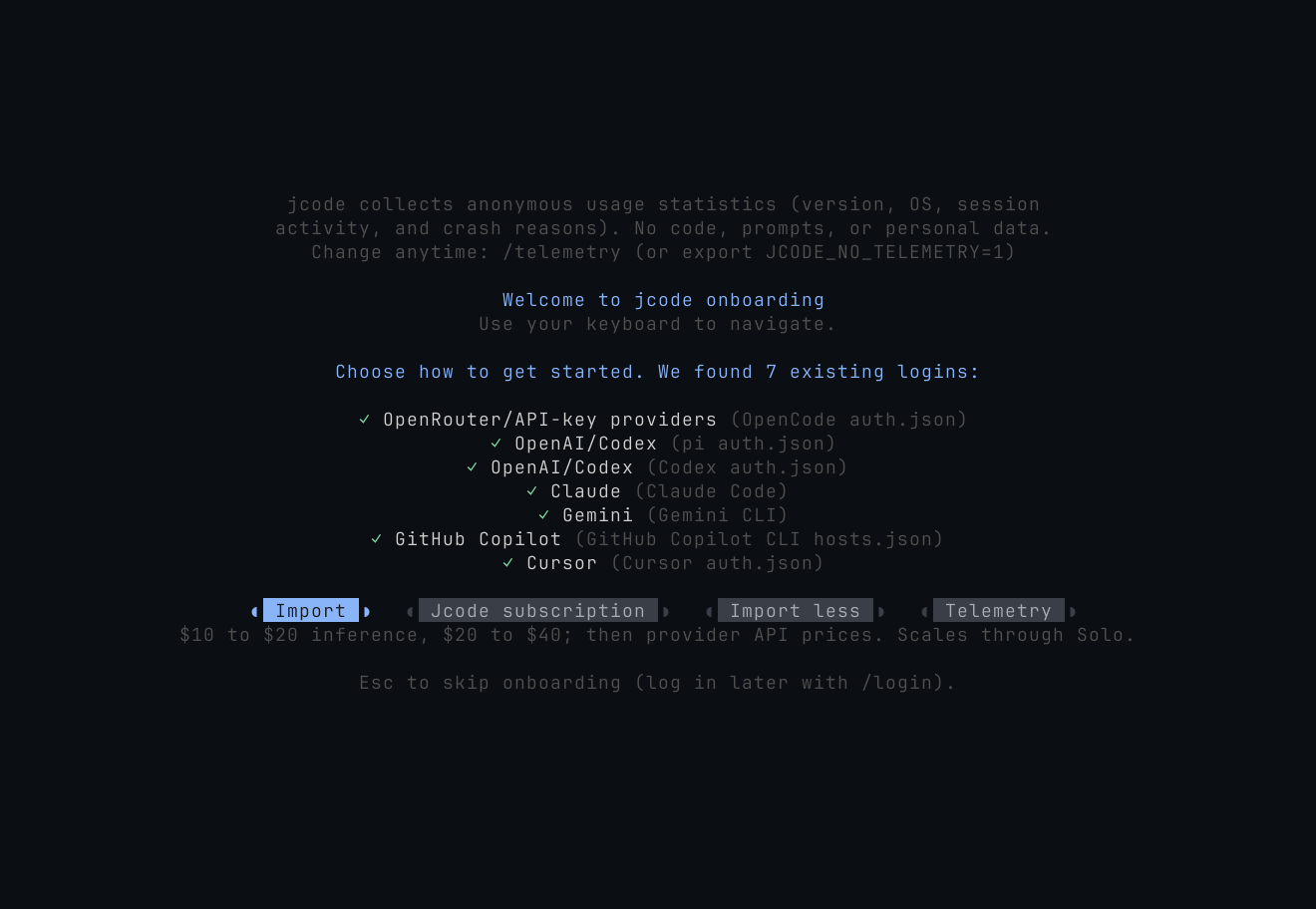
Import existing logins
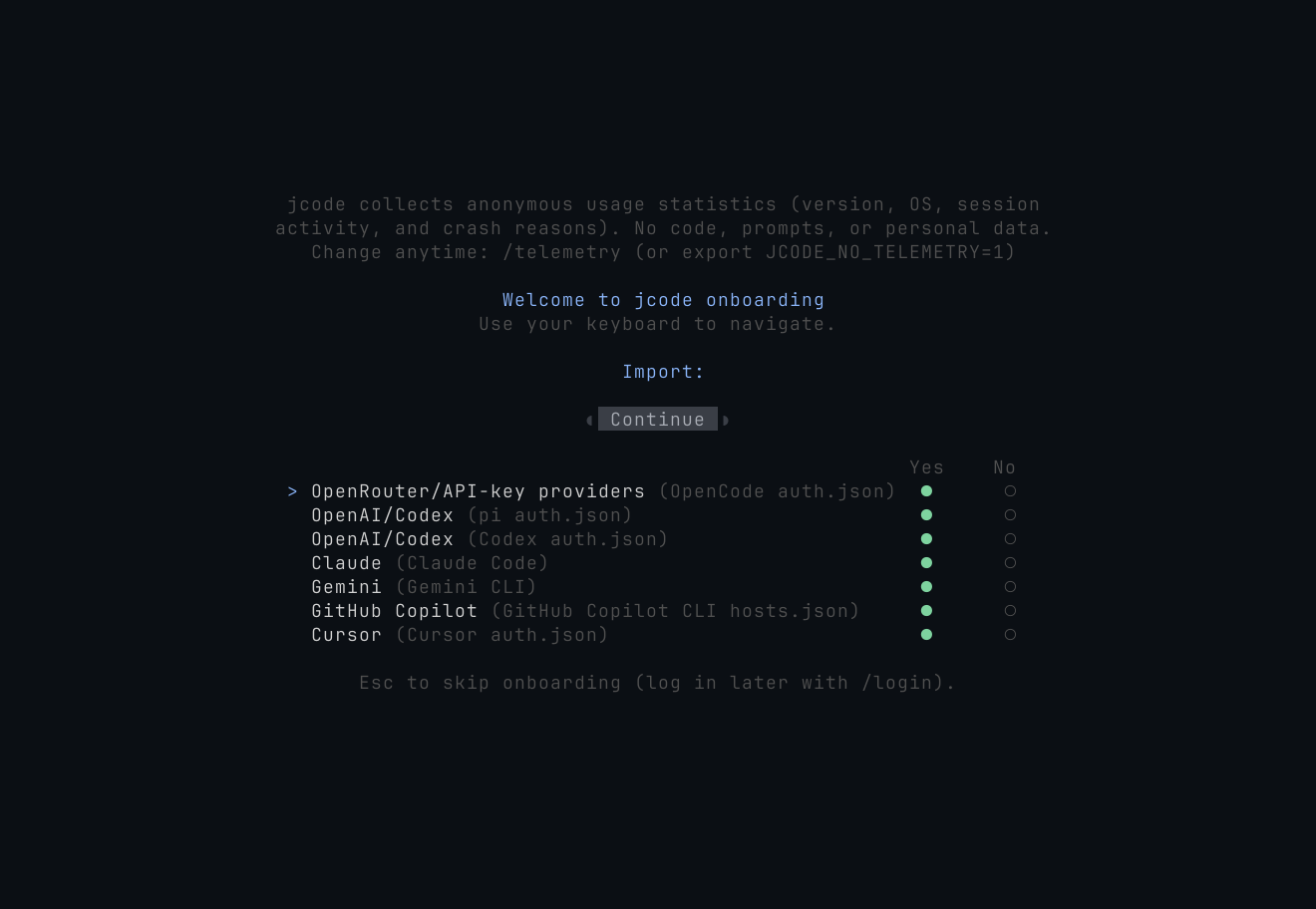
Detected Codex, Claude, Gemini, Copilot, Cursor, OpenCode, and pi credentials are listed read-only with Import preselected. One keypress and onboarding is effectively over.
The graph is a tested contract.
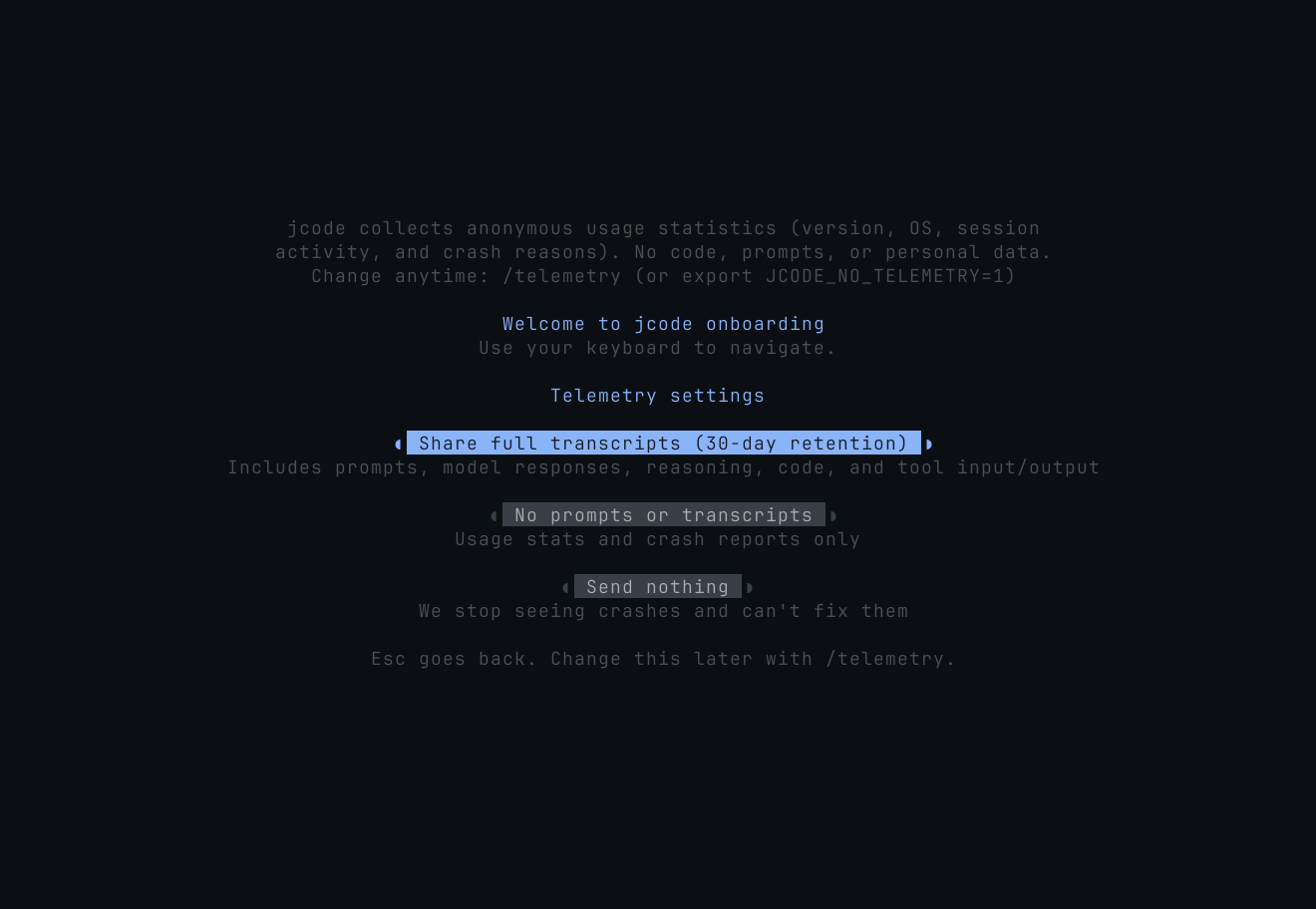
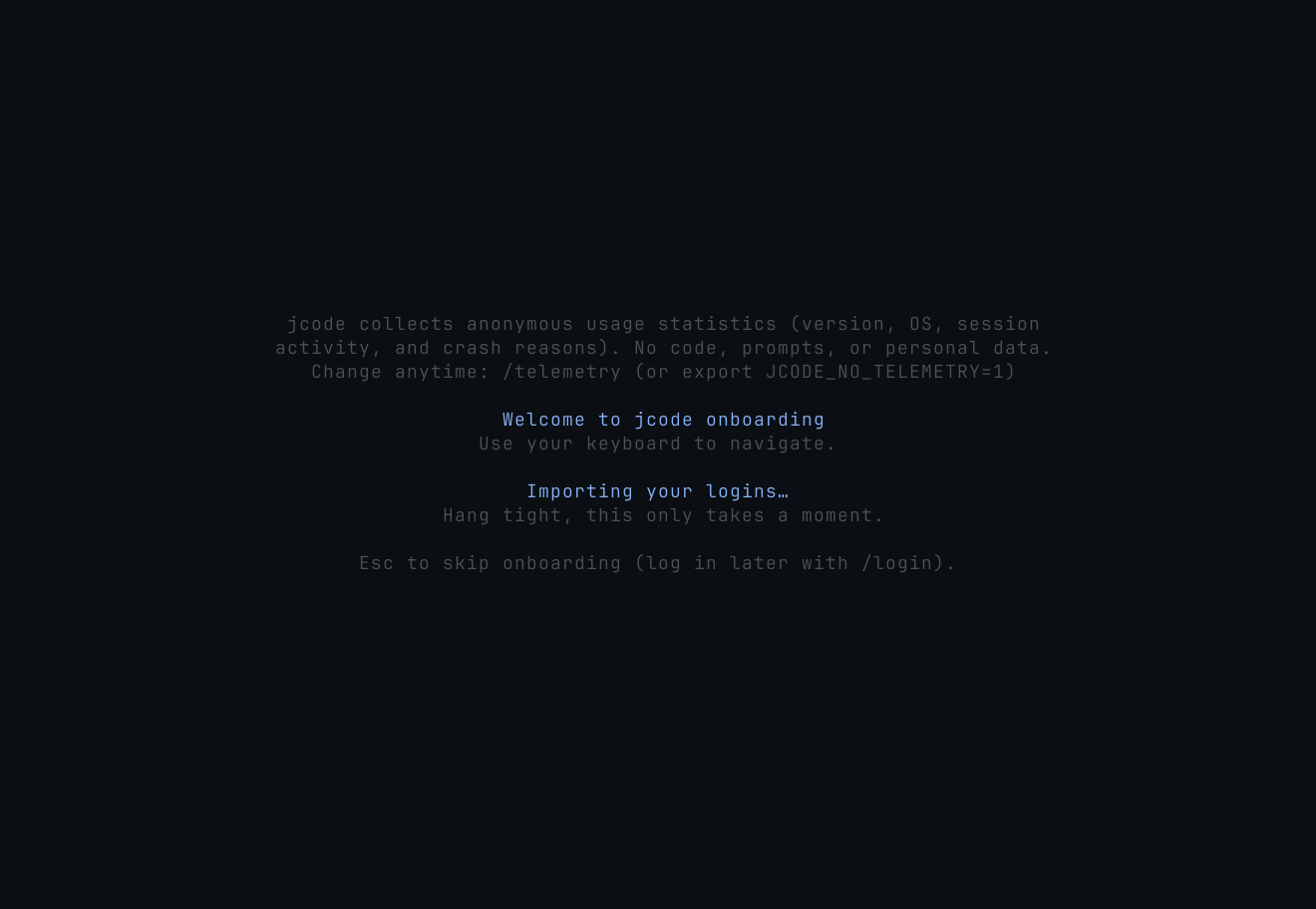
The same authored graph ships inside jcode's test suite, which checks it for dead ends, unrecoverable failures, unbounded work, and missing escape hatches. Every screenshot on this page is rendered headlessly from the exact ratatui state the terminal draws, not a mockup.